Moonshot AI’s Kimi has rapidly evolved from a long‑context chatbot into one of the most interesting entries in the 2025–2026 AI landscape. With its latest flagship model Kimi K2.5, Kimi is no longer just “another assistant”—it’s an open‑weight, multimodal, agent‑swarm‑driven powerhouse optimized for coding, visual‑to‑code workflows, and complex, multi‑step automation.
This article gives you a no‑fluff, in‑depth breakdown of Kimi: what it is, how it works, what it’s best for, and where it falls short, so you can decide whether to adopt it as your main AI assistant, coding copilot, or agentic engine.
1. What Is Kimi and Who Is Behind It?
Kimi is an AI assistant developed by Moonshot AI, a Chinese AI startup backed by Alibaba and focused on large‑scale, open‑weight models for real‑world work. The platform is centered around Kimi K2.5, an open‑weight, multimodal LLM with a 1‑trillion‑parameter Mixture‑of‑Experts (MoE) architecture and 256K context, packaged into four distinct operating modes: Instant, Thinking, Agent, and Agent Swarm.
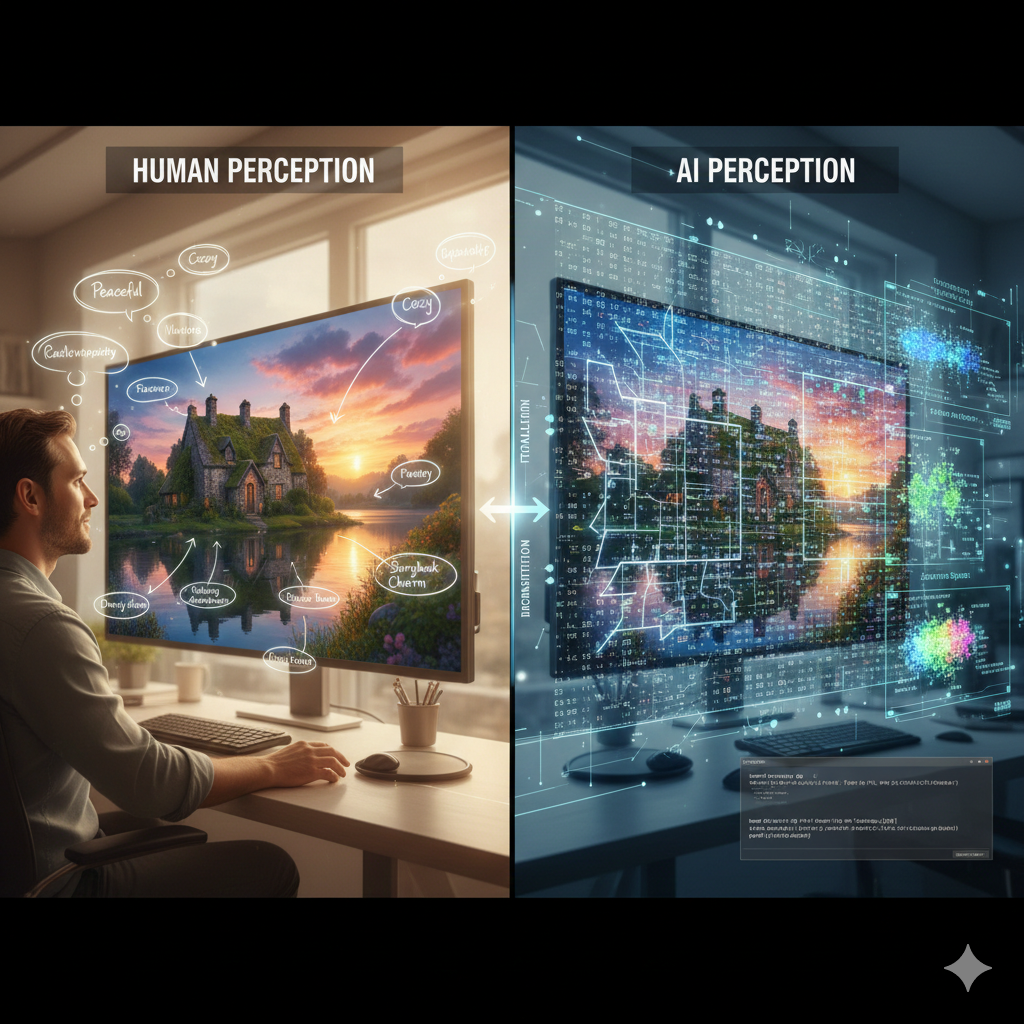
Unlike many assistants that started as pure chatbots, Kimi is designed from the ground up for “visual agentic intelligence”: turning images, screenshots, and UI designs into working code, documents, and workflows.
2. Core Features of Kimi K2.5
2.1 Long‑Context and Multimodal Understanding
Kimi K2.5 supports up to 256,000 tokens of context, letting it reason over entire codebases, research papers, or long project documents in a single thread. This is particularly powerful for:
- Codebase‑level reasoning (refactoring, debugging, feature‑addition across many files).
- Academic and technical research (summarizing long PDFs, extracting insights from multiple papers).
In addition, Kimi is multimodal from the ground up: it can ingest images, screenshots, and even simple video (up to ~100 MB) and reason about them in the same transformer stack as text. This enables:
- UI‑to‑code workflows (turning Figma‑like screenshots into HTML/CSS/React).
- Visual debugging: identifying layout issues from screenshots and suggesting fixes.
2.2 Agent Modes: Instant, Thinking, Agent, and Agent Swarm
Kimi K2.5 operates in four main modes, each tailored to different workloads.
- Instant: Fast, lightweight responses for quick Q&A and simple tasks.
- Thinking: Deeper, chain‑of‑thought reasoning for complex questions (e.g., research, planning, intricate code logic).
- Agent: Tool‑using autonomous mode that can search the web, run code, call APIs, and generate documents in multi‑step workflows.
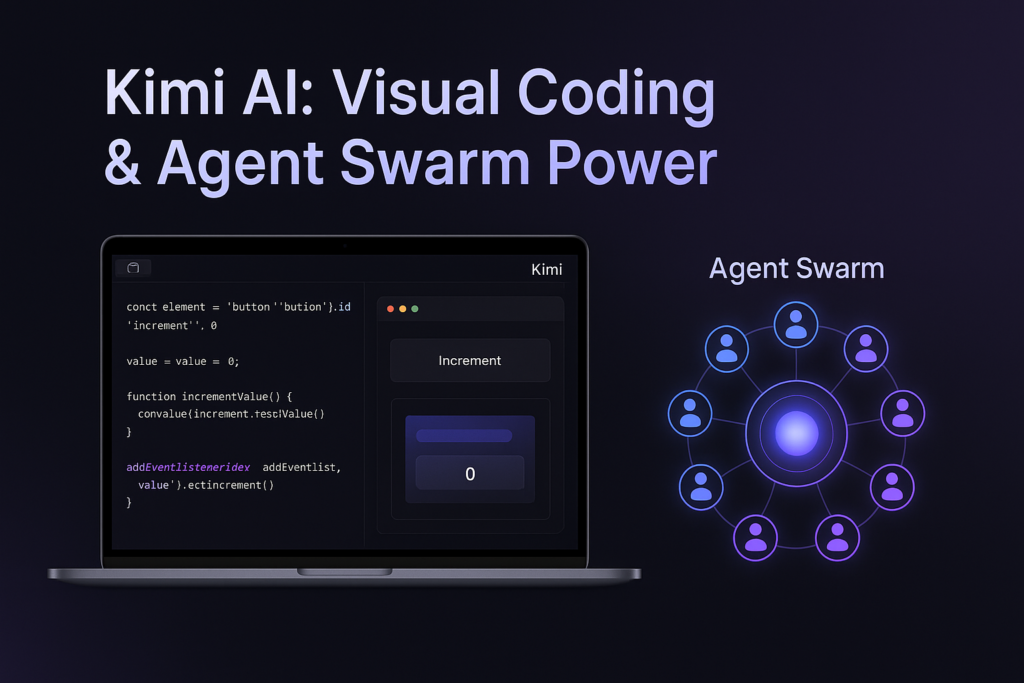
- Agent Swarm (research preview): Kimi’s flagship innovation, where a single “manager” agent can orchestrate up to 100 sub‑agents in parallel, handling up to ~1,500 tool calls across a single task. Moonshot reports this can cut execution time by up to 4.5× for long‑horizon tasks compared with single‑agent models.
2.3 Visual Coding and “OK Computer” Features
Kimi is heavily marketed as a visual coding assistant, with features like:
- Website reconstruction from screenshots (UI‑to‑HTML/CSS/React).
- Video‑to‑code: converting short video demos into working code prototypes.
- Kimi Code CLI: a command‑line tool that integrates with editors and IDEs to debug, refactor, and generate code guided by visual and textual context.
Inside the Kimi web app, “OK Computer”‑style features allow you to ask Kimi to build simple websites, slide decks, or dashboards automatically by combining multiple tools and outputs in one go.
2.4 Open‑Weight and Local‑Deployment‑Friendly
Kimi K2.5 is open‑weight, meaning Moonshot releases model checkpoints that can be used by third‑party hosts and developers. This has led to:
- API access via platforms like OpenRouter and other providers, with pricing that can be significantly cheaper than GPT‑4o or Claude Opus for throughput‑heavy workloads.
- Local‑deployment experiments (often requiring high‑end GPUs or clusters) for privacy‑sensitive or offline‑first use cases.
Open‑weight access also makes Kimi attractive for teams building custom agentic stacks without vendor lock‑in.
3. Benefits and Practical Use Cases
3.1 For Developers and Technical Teams
- AI pair programmer: Kimi can ingest your entire codebase, run tests, fix bugs, and add features, acting like an autonomous pair‑programmer.
- End‑to‑end app generation: From a simple UI sketch or video demo, Kimi can produce a working frontend, backend scaffolding, and even basic test suites.
- Legacy‑code modernization: Refactoring old codebases, updating deprecated libraries, and documenting complex logic.
3.2 For Content Creators and Researchers
- Long‑document summarization and analysis: Summarizing theses, research papers, or long reports while preserving context.
- Structured content drafting: Generating outlines, sections, and drafts from mixed prompts (text + images or diagrams).
3.3 For Business and Operations Teams
- Office‑centric automation: drafting reports, spreadsheets, and presentations from minimal inputs, often via the Agent or Agent Swarm modes.
- Multi‑step workflows: Research → data extraction → report generation → formatting → delivery, all orchestrated in a single Kimi‑driven pipeline.
4. Strengths of Kimi K2.5
- Visual + code‑centric intelligence
Kimi’s tight integration of vision and coding makes it arguably the strongest model today for design‑to‑code, front‑end development, and UI‑focused automation. - Agent Swarm for long‑horizon tasks
The up to 100 parallel agents can split, delegate, and validate sub‑tasks, dramatically speeding up research, report generation, and multi‑API workflows. - Very large context and strong coding performance
With 128K–256K context and top‑tier scores on coding benchmarks, Kimi competes directly with GPT‑4.5/5 and Claude Opus in many coding‑oriented scenarios. - Open‑weight and relatively low‑cost API
Compared with GPT‑4‑class or Claude Opus APIs, Kimi’s tokens can be much cheaper at scale, especially on third‑party providers. This makes it attractive for startups, dev‑shops, and automation‑heavy teams. - Rapid iteration and feature velocity
Moonshot has shipped Kimi 1.0 → K2 → K2.5 in under a year, adding vision, Agent Swarm, and better tooling at a breakneck pace.
5. Weaknesses and Limitations
- Hallucinations and fact‑checking risks
Users report Kimi can be verbose and prone to hallucinations, especially in unstructured writing or factual Q&A. It’s less reliable than more conservative models like Claude or Perplexity for high‑stakes, fact‑sensitive content. - Agent Swarm is still a research preview
For many users, Agent Swarm is not yet fully stable or documented, which can lead to inconsistent behavior and debugging overhead. - High hardware demands for local‑scale deployment
Deploying Kimi K2.5 at full scale requires large amounts of VRAM and compute, often limiting full‑power local use to enterprise or research infrastructures. - Language and UX bias toward Chinese ecosystem
While Kimi works in English, the primary examples, documentation, and tooling still lean toward Chinese and Asian‑centric markets. Western‑centric workflows (e.g., deep integration with Microsoft 365) are not as polished as in ChatGPT or Gemini. - Pricing and API complexity
The Kimi membership (e.g., “Moderato” at roughly $19/month) unlocks quotas for Deep Research, “OK Computer,” and Kimi Code, but API usage is billed separately and not included in the subscription. This can make cost planning trickier than with flat‑rate plans like ChatGPT Plus.
6. Where Kimi Fits in Your AI Stack
When Kimi Is the Best Choice
- You’re a developer or technical lead building agent‑driven, code‑heavy workflows.
- You work with visual designs, screenshots, or UI‑to‑code pipelines (front‑end, web, mobile‑web).
- You want open‑weight, low‑cost tokens for heavy‑use automation without vendor lock‑in.
When Other Models Might Be Better
- ChatGPT (GPT‑4.5/5): If you want the most polished, all‑round assistant with strong content, planning, and enterprise integrations.
- Claude (Opus / 3.5): For long‑form, safety‑focused, and enterprise‑compliant writing and analysis.
- Perplexity: When you need search‑first, citation‑driven research with minimal hallucinations.
7. Getting Started with Kimi
- Free tier: Kimi offers free access with limited quotas in many regions, letting you experiment with basic chat, coding, and small Agent‑mode tasks.
- Moderato membership: Around $19/month (international) unlocks higher quotas for Deep Research, “OK Computer,” and Kimi Code, plus more concurrency.
- API access: Tokens typically in the sub‑$1 per million range on third‑party providers, making it viable for high‑volume workloads.
References
- Moonshot AI – Kimi AI official site
- Kimi AI – Kimi K2.5 product page
- Kimi AI – official Kimi homepage
- Kimi K2.5 – Open Visual Agentic Model for Real Work
- Kimi K2.5: Complete Guide – Codecademy
- Moonshot AI Releases Open‑Weight Kimi K2.5 with Vision – InfoQ

At JituOnline dot in, he explores the intersection of cutting-edge technology and human lifestyle... whether it's decoding the latest AI models or reviewing the gadgets that define our era, his mission is to make the "limitless realm" of tech accessible to everyone... Join him as he uncovers how tomorrow’s automation elevates today’s living...
- The Build vs. Buy Dilemma: A Modern Framework for Smarter Decisions - March 28, 2026
- Microsoft Planner for Small Consulting Firms IT Compliance AI Projects - March 26, 2026
- AI for CEOs: Strategy, Culture, and Value Creation - March 25, 2026